01Upload an image
Drag your image here
Images are uploaded to the server for recognition and editing
Edit text in images with AI for free. Upload photos, posters, or screenshots, change the words, and download your edited image in seconds—no design skills needed.
Drag your image here
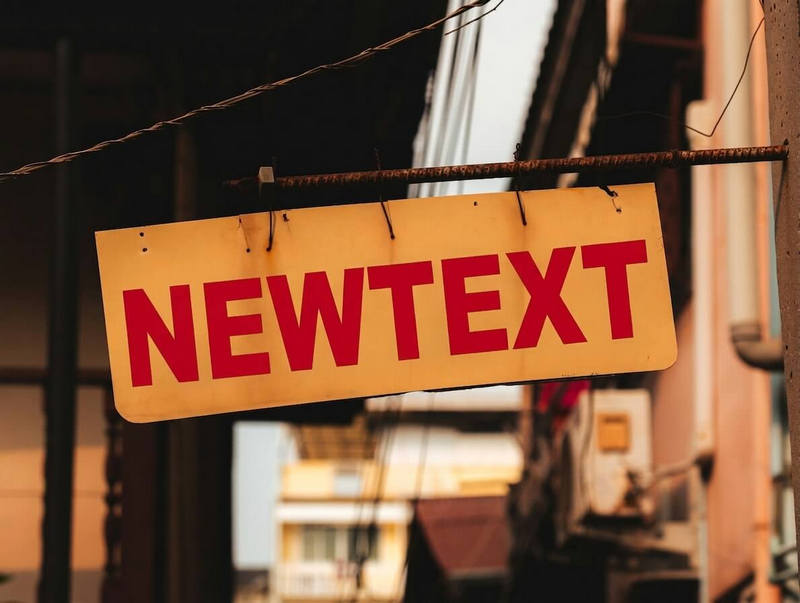
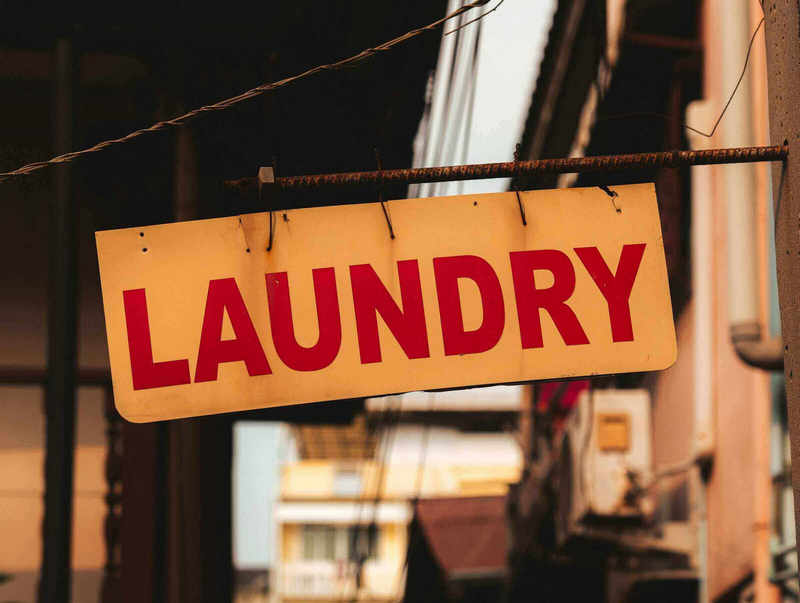
Drag slider to compare before and after
From a single line to an entire poster. Make it your own.
Find the words and their positions automatically. Select the line you want with a click.
Choose a headline, a tagline or the fine print. Give each region its own new expression.
Recognize Chinese, English and more. Let your ideas move freely between languages.
Pick any task; it all happens in the same workspace
Drop a file or choose an example. We will find its text.
Choose one or more regions and write new copy for each.
Check the task status. Keep your copy and retry after a timeout.
Upload images, recognize text, select multiple regions and submit changes. The system uses AI to generate modified images with replaced text and download the result.
Yes. Images are uploaded for text recognition and saved in local storage on the server for this editing workflow. Please choose images you are comfortable uploading.
Use JPG, PNG or WebP images up to 20MB and 24 megapixels. Clear, contrasting text works best. If a region is recognized incorrectly, enter the complete new wording in its replacement field.
No. The language switch only changes the website interface. The original image text and your replacement copy are not automatically translated.