01Upload an image
Drag your image here
Images are uploaded to the server for recognition and editing
The style inside the selection is read first, then the replacement is drawn with the same letter shapes, weight and colour in mind.
Drag your image here
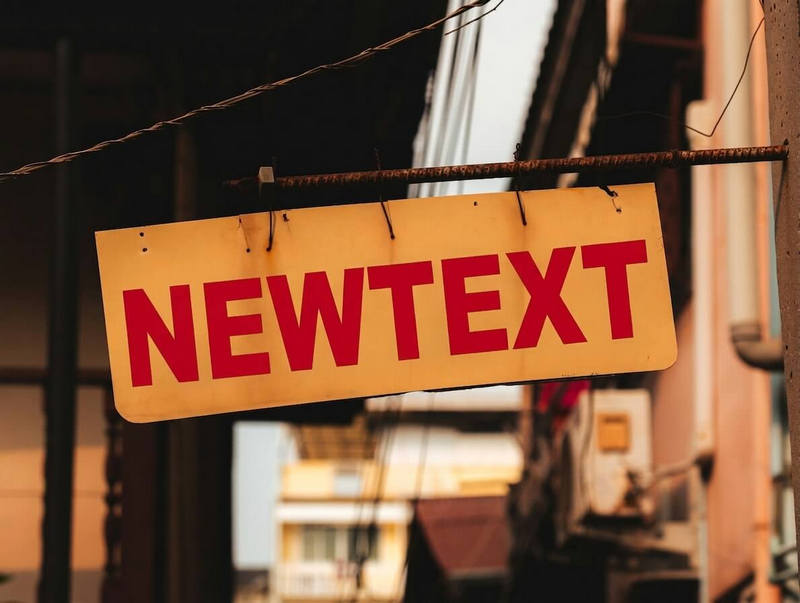
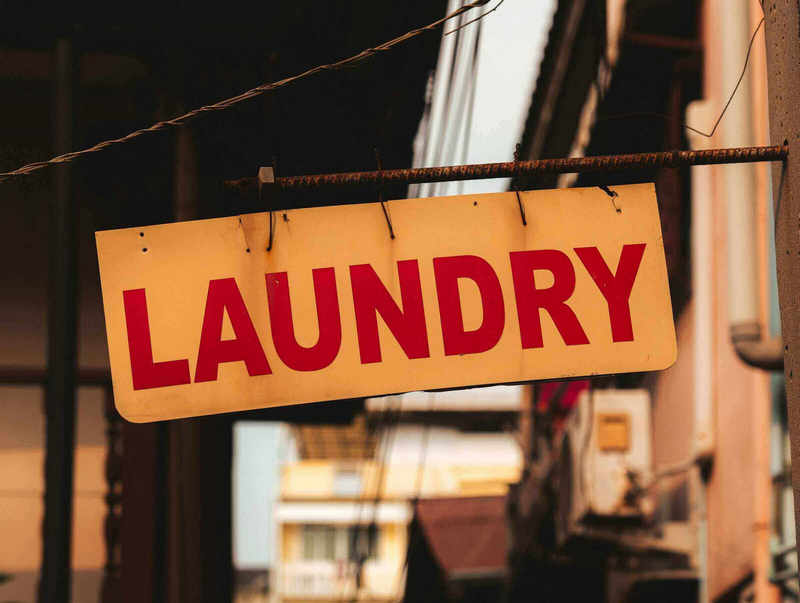
Drag slider to compare before and after
From posters to screenshots, the flow never changes
Only a word or two changes; the visual rules stay as they were.
No design source at hand? A small change can still happen on the image itself.
Turn a long sentence into a short one and keep the original style.
It gets as close as the model allows. Unusual decorative fonts may differ; describe what you want in the extra notes.
Replacements can mix both scripts, and the redraw balances the two.
The original colour is used by default. If it needs to change, name the target colour in the extra notes field.
Usually not. If a slight colour difference remains, submit once more or adjust the selection.