01Upload an image
Drag your image here
Images are uploaded to the server for recognition and editing
Treat the scan as a picture: detect the text, replace a typo or an expired detail, and keep the layout of the page.
Drag your image here
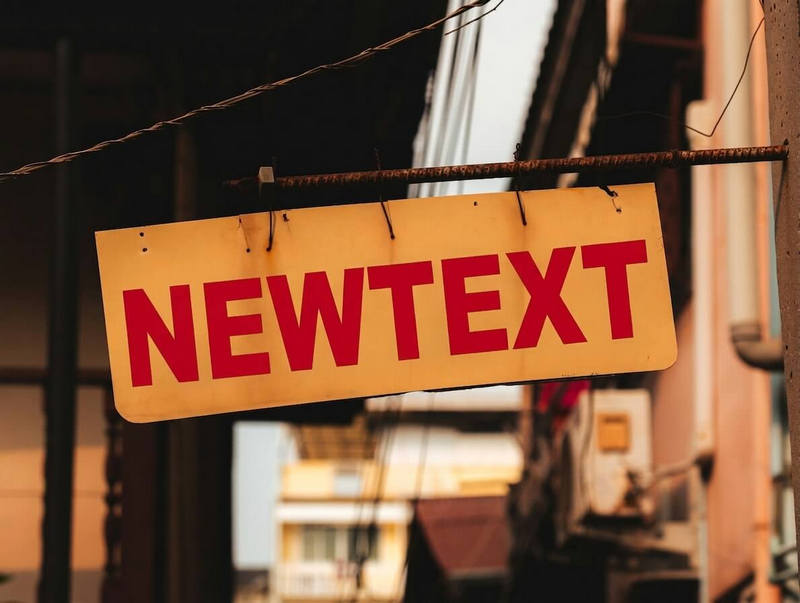

Drag slider to compare before and after
From posters to screenshots, the flow never changes
Fix a typo or a wrong reference number and file the page away.
Reuse one template for different projects by changing the title and number.
Replace an old year or version number before the page is handed out again.
Images are supported for now. Export the PDF page as PNG or JPG first, then upload it.
One page at a time: export the pages as images and submit them in batches.
No, and it is not a good idea to try. For contracts, invoices and other legally binding papers, use the proper process instead.
Clean printed pages work best. For a skewed or textured scan, take a fresh copy and try again.