01Upload an image
Drag your image here
Images are uploaded to the server for recognition and editing
Postponed events, corrected archive labels or sample stamps: only the date text itself changes, everything else stays put.
Drag your image here
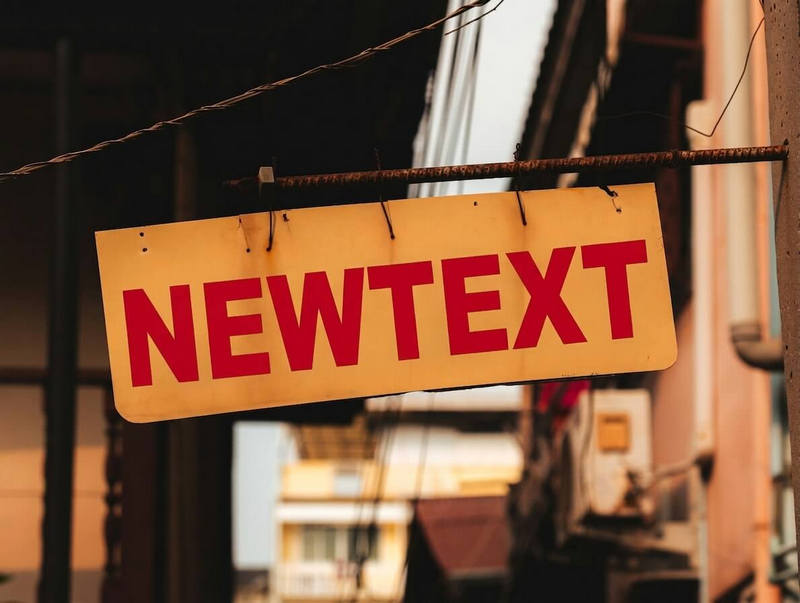
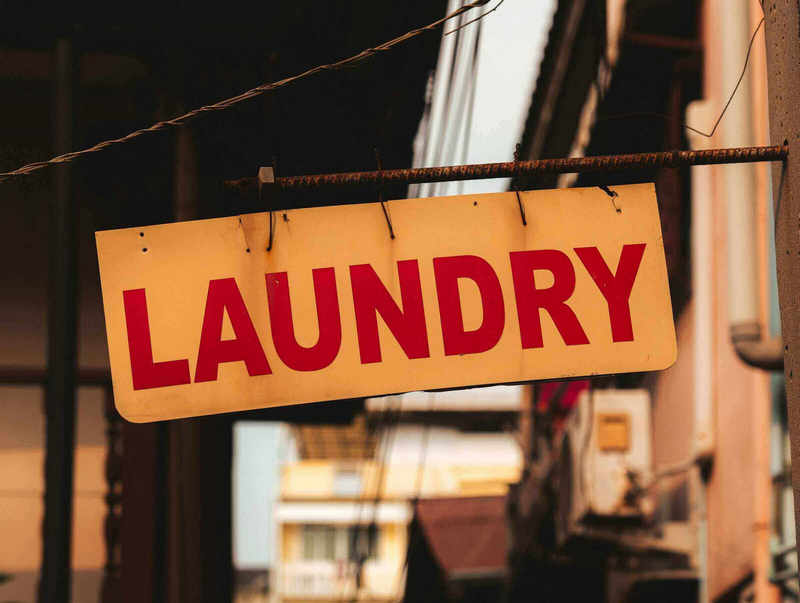
Drag slider to compare before and after
From posters to screenshots, the flow never changes
Adjust the time on posters and banners and the old design keeps working.
Correct a stamped date on a photographed page, right on the image.
Turn a shoot date in the corner into the delivery date.
The redraw follows the surrounding type, so the arrangement usually stays. Unusual fonts may need a second attempt.
Yes. The stroke weight and direction of the original hand are carried over as far as possible.
The flow is built around replacement: 1 to 500 characters of new content. Erasing without new text is not supported yet.
No. Only the text pixels in the picture are edited; EXIF data in the file is out of scope.