01Upload an image
Drag your image here
Images are uploaded to the server for recognition and editing
Generated images often contain misspellings or tangled strokes. Detect the text areas, type what they should say, and keep the composition and style.
Drag your image here
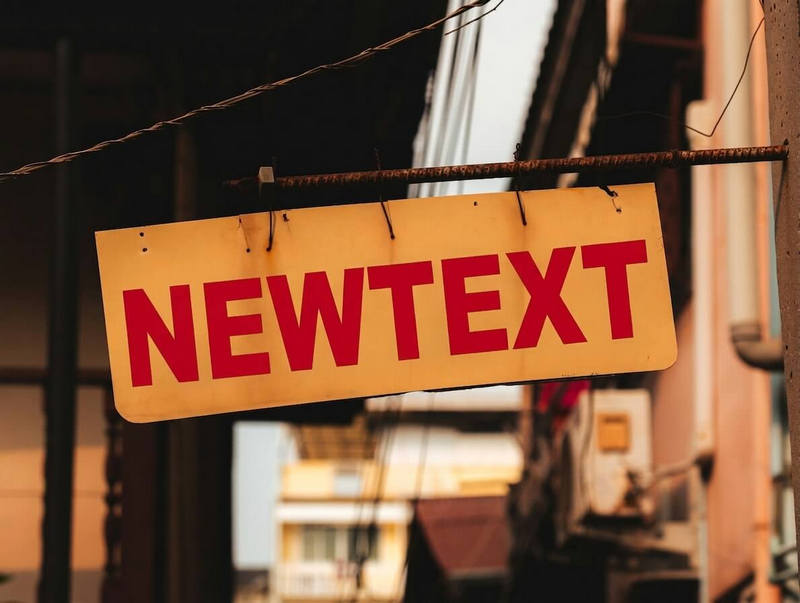
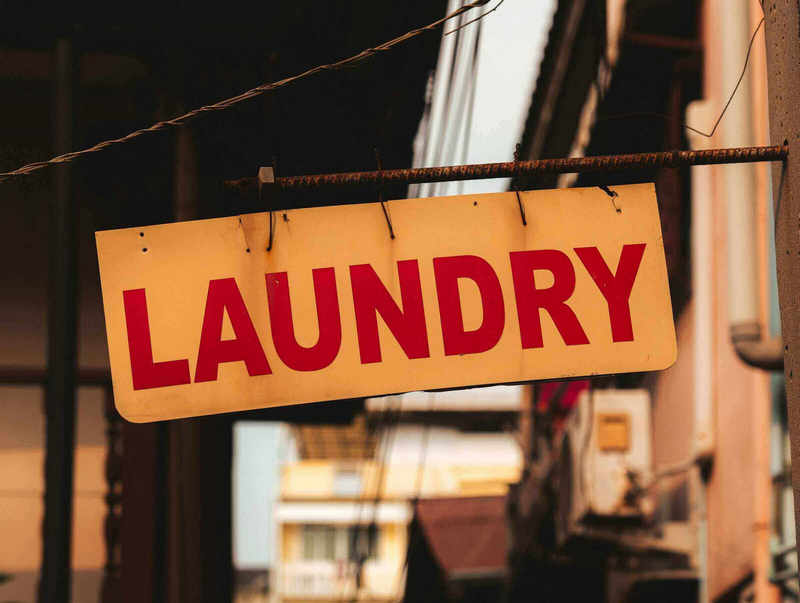
Drag slider to compare before and after
From posters to screenshots, the flow never changes
Correct the wrong words in an AI promo image before it goes into the design process.
Compare how several lines look inside the picture before picking one.
Repair the text on an AI asset you like and use it in final material.
Garbled strokes may not register as text. Try a clearer image, or describe the area you want redrawn in the extra notes.
The redraw follows the surrounding artwork, so the style stays close. Artistic lettering may take a second try.
No. Only the selected text areas take part in the redraw; the rest stays as it is.
Exports in PNG, JPG or WebP are fine, as long as the text areas can be made out clearly.