01Upload an image
Drag your image here
Images are uploaded to the server for recognition and editing
Mark the text you want replaced, write the new copy, and only the selected area is redrawn. Everything else stays as it was.
Drag your image here
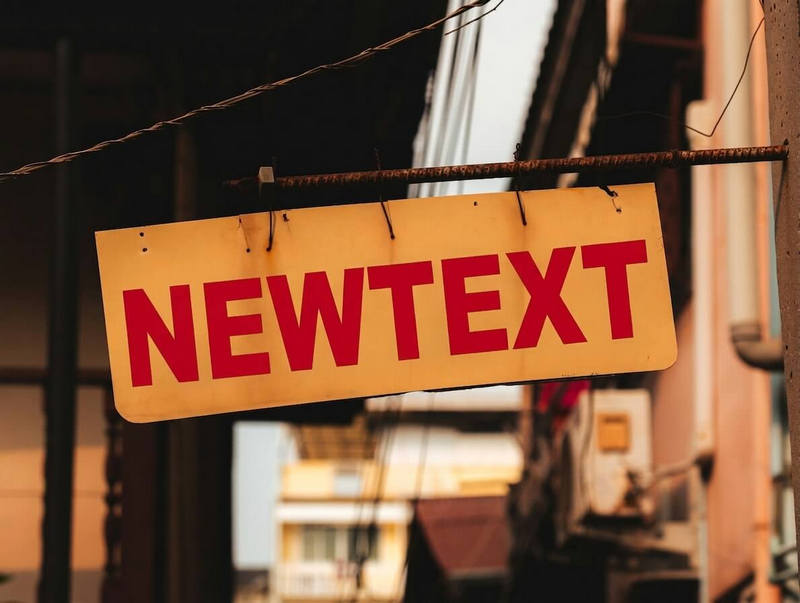
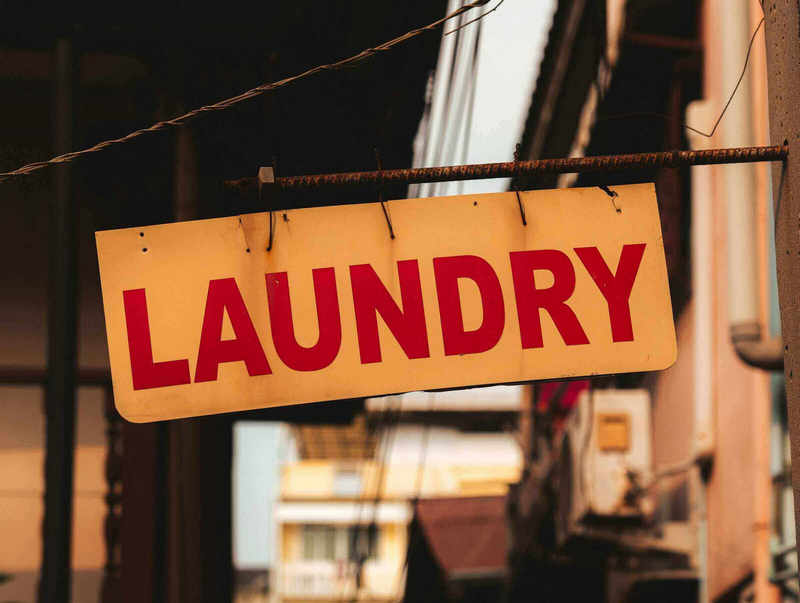
Drag slider to compare before and after
From posters to screenshots, the flow never changes
A new date, a new venue or a different offer: replace just those lines on the graphic.
Try a new brand name or a new selling point on a concept image before anyone approves it.
Give an old picture a fresh tagline and put it back into the next round of promotion.
New words are drawn with the existing colour and lighting in mind. A much longer replacement may need a smaller size to fit the original spot.
Up to 50 areas, each with its own copy, so a headline and a signature can change in one pass.
The flow starts from detected text: choose an existing area, then rewrite it.
No. Your selection and drafts are kept, so you can adjust the wording and submit again.