01Upload an image
Drag your image here
Images are uploaded to the server for recognition and editing
Chat logs, admin panels, error pages: once the text is found it can be replaced with what you need to show, ready for docs and tutorials.
Drag your image here
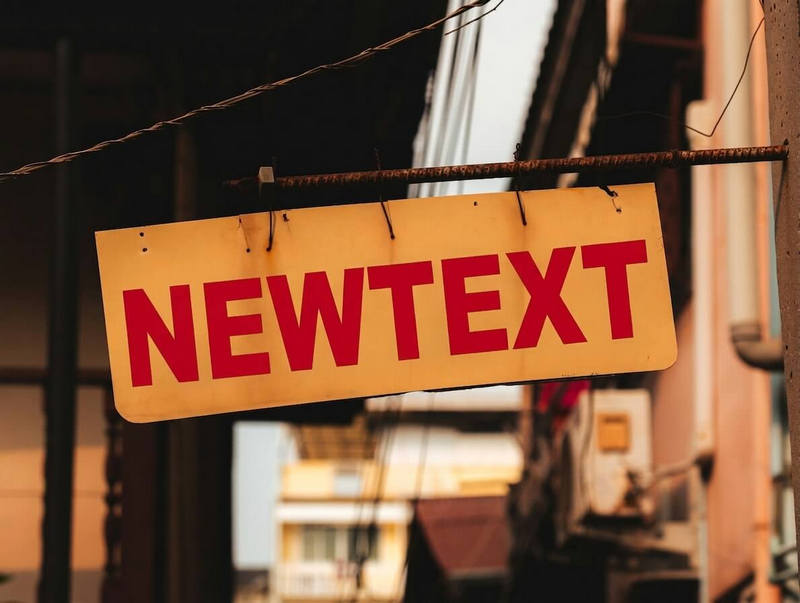
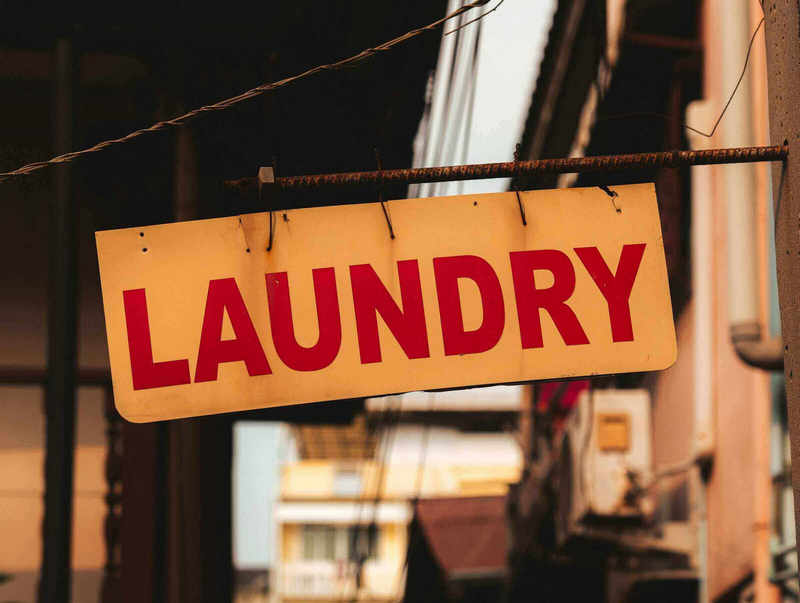
Drag slider to compare before and after
From posters to screenshots, the flow never changes
Replace sample data in a screenshot so real information does not leak.
When the numbers in a demo environment are not ideal, swap in more representative values.
Mask sensitive fields before sending the screenshot to a teammate.
You can edit the detected text areas. Make sure you have the right to change the content, and do not use it to fake conversations or documents.
Common interface sizes are usually fine. If the screenshot has been compressed several times, take a fresh, clearer one.
Yes. Both light and dark backgrounds are taken into account so new text blends into the interface.
The image is downloadable once the job finishes. Results for users without a subscription carry a watermark; subscribers get a clean file.