01Upload an image
Drag your image here
Images are uploaded to the server for recognition and editing
Drag a picture into the page, let the text be detected, choose what to change and generate. It all happens online, on a laptop or a phone.
Drag your image here
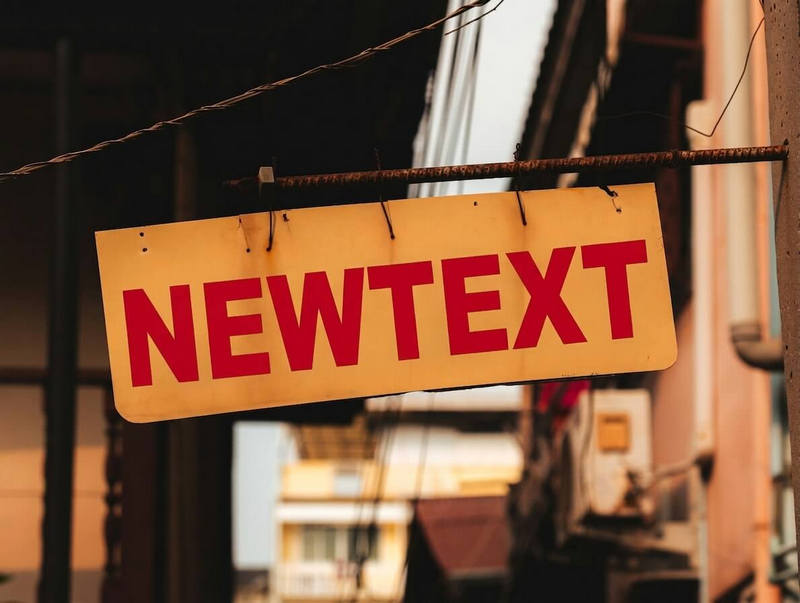
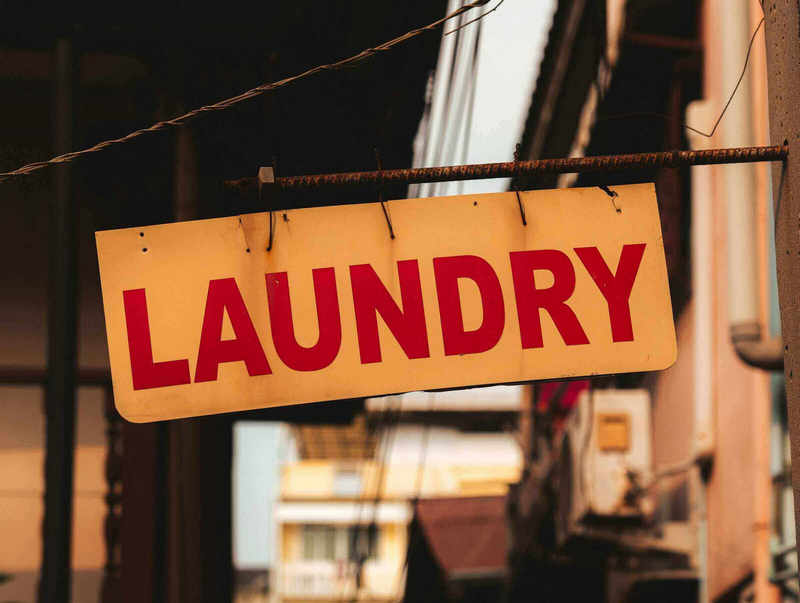
Drag slider to compare before and after
From posters to screenshots, the flow never changes
Away from your desk? A phone is enough to change the text once.
Download the result or find it again in history instead of trading files back and forth.
Give a screenshot a new sample line and use it straight in class or a talk.
A new account can try the tool; extra generations and watermark-free downloads use credits or a subscription. The page shows your current balance.
No. Everything runs in the browser, as long as it is reasonably up to date.
Images go to the server for recognition and generation, so upload only what you are comfortable sharing. Past jobs can be managed from the history page.
Most images finish within a minute; heavier ones take longer, and the job status keeps updating on the page.