01Upload an image
Drag your image here
Images are uploaded to the server for recognition and editing
Drop in an image and the text areas are found for you. Select what should change, write the replacement, and the rest of the picture stays as it was.
Drag your image here
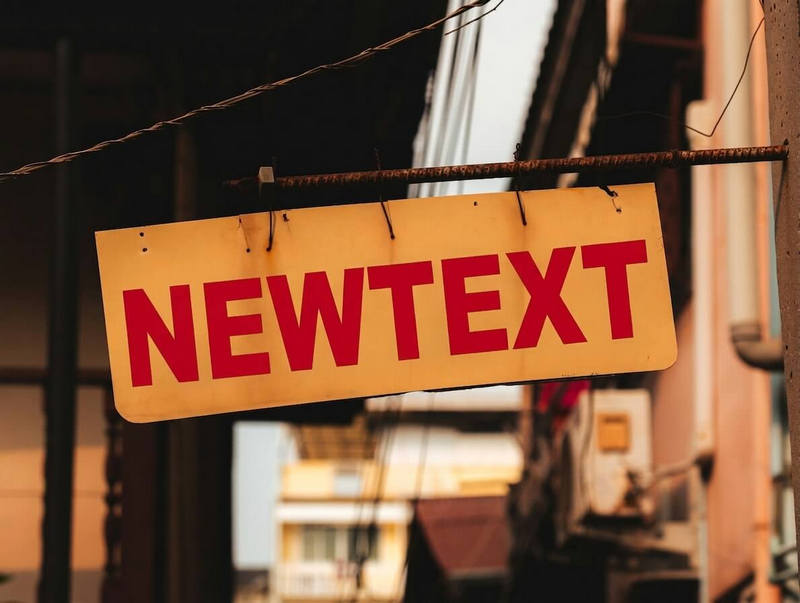
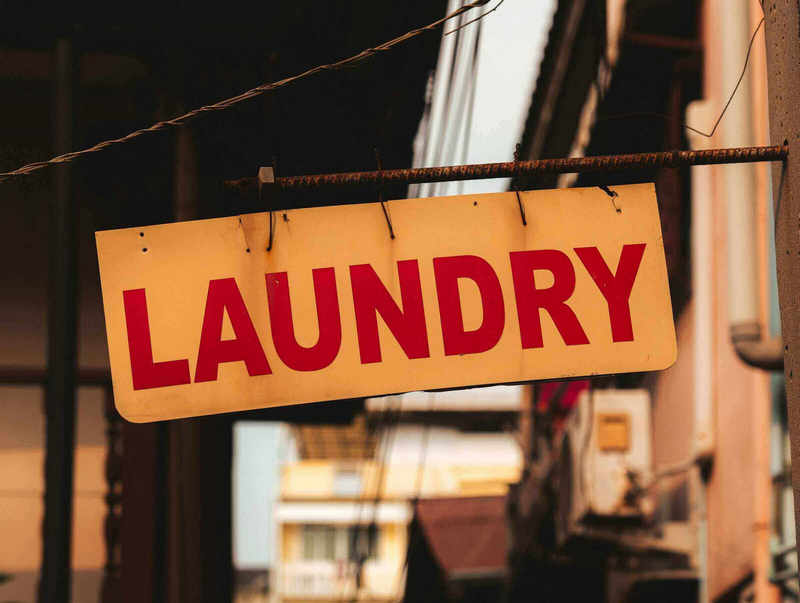
Drag slider to compare before and after
From posters to screenshots, the flow never changes
Swap a headline, a subtitle or a campaign line without rebuilding the whole layout.
When a dish name, a price or a size changes, update it on the image itself.
Give old material a new name, role or phone number and keep using it.
No. Upload, pick the words, type the new copy and generate, all in the browser. No layers and no masks.
The selected area is redrawn with the surrounding type, colour and background in mind. A much longer replacement may shift the layout a little.
Up to 50 text areas per image, each with its own replacement, submitted together.
JPG, PNG and WebP up to 20MB and 24 megapixels. Clearer lettering gives steadier results.